Your video comes with you
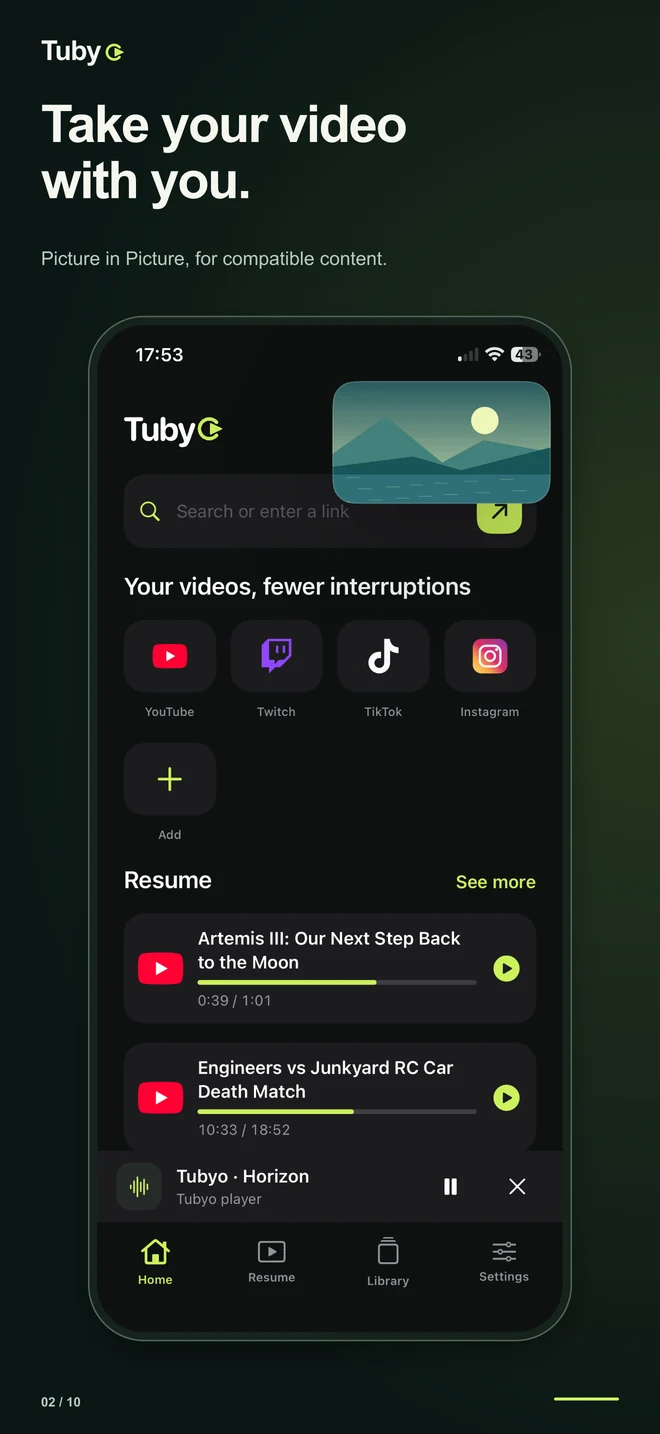
Picture in Picture keeps your video playing while you use another app. Full-screen playback and background audio are available for supported sources.

MADE FOR IPHONE, IPAD AND ANDROID
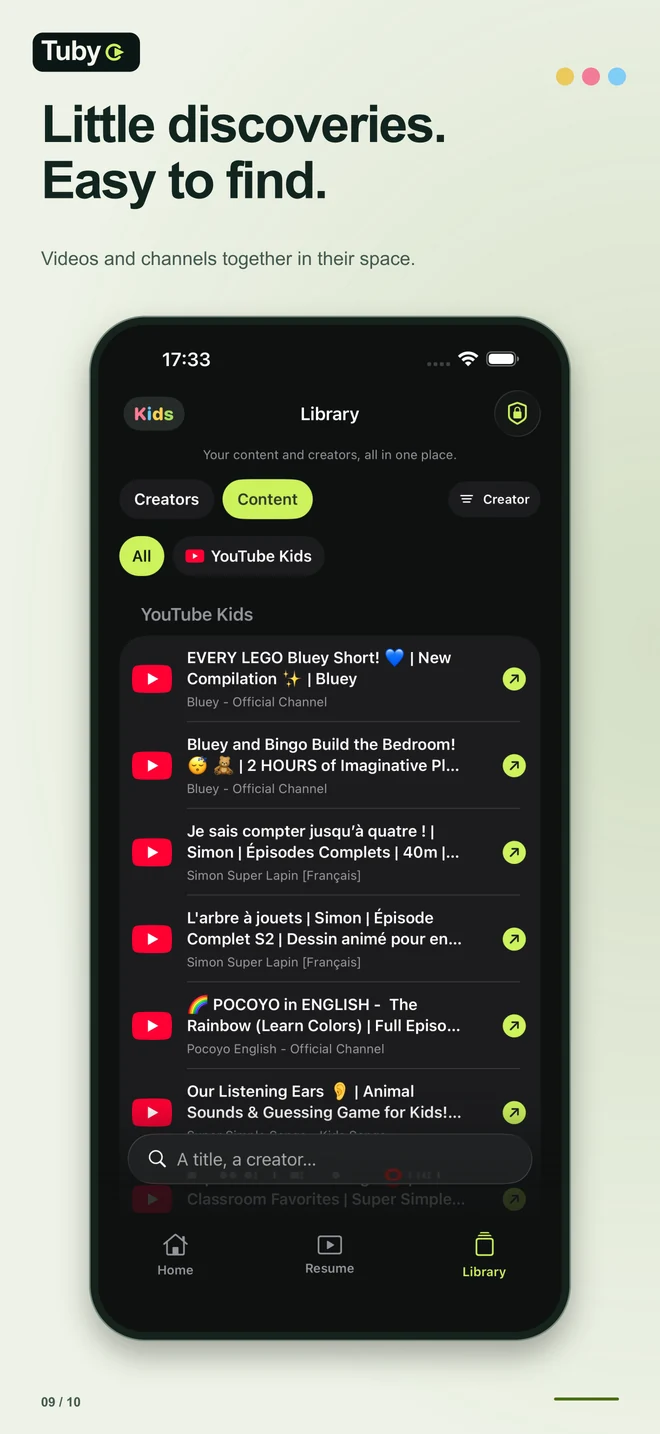
Keep your video in view. Find your creators and the moments you want to revisit. Explore your watching time in a space of your own.
Every feature is free
TUBYO
Picture in Picture keeps your video playing while you use another app. Full-screen playback and background audio are available for supported sources.
Ad filtering is built in and free. No subscription to activate it on your video websites.
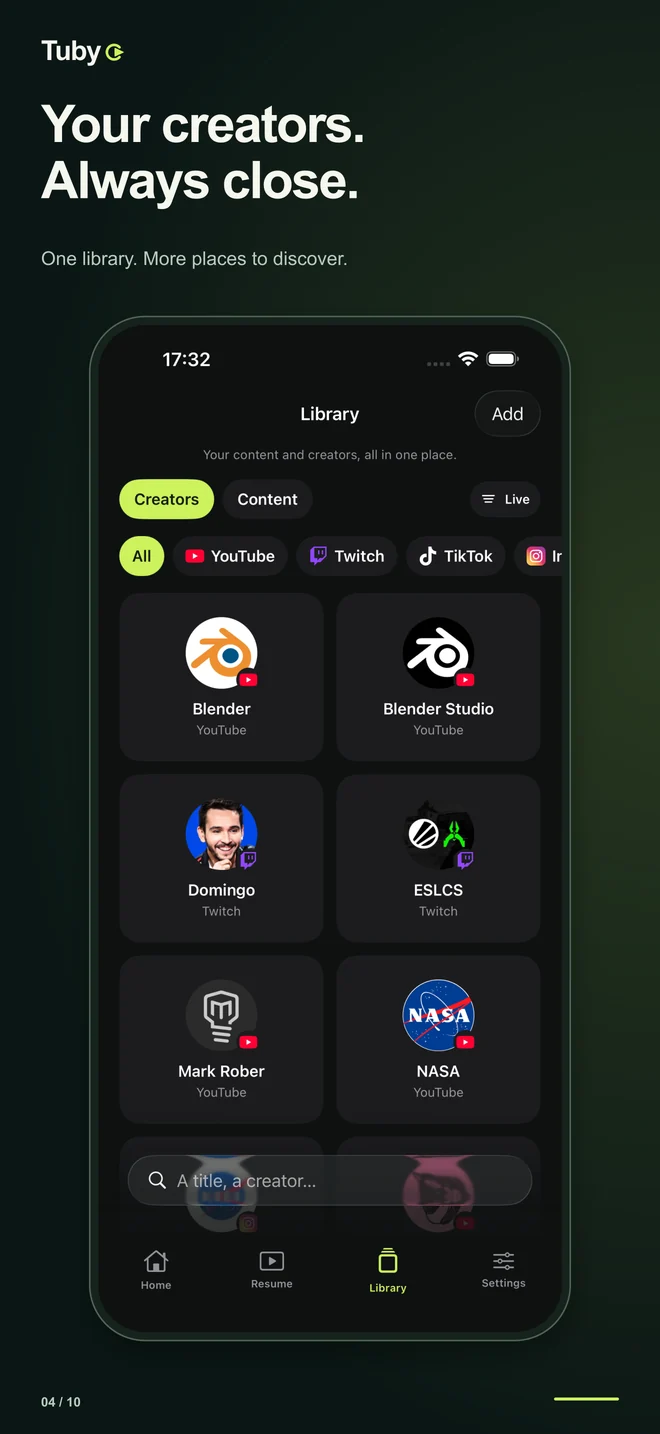
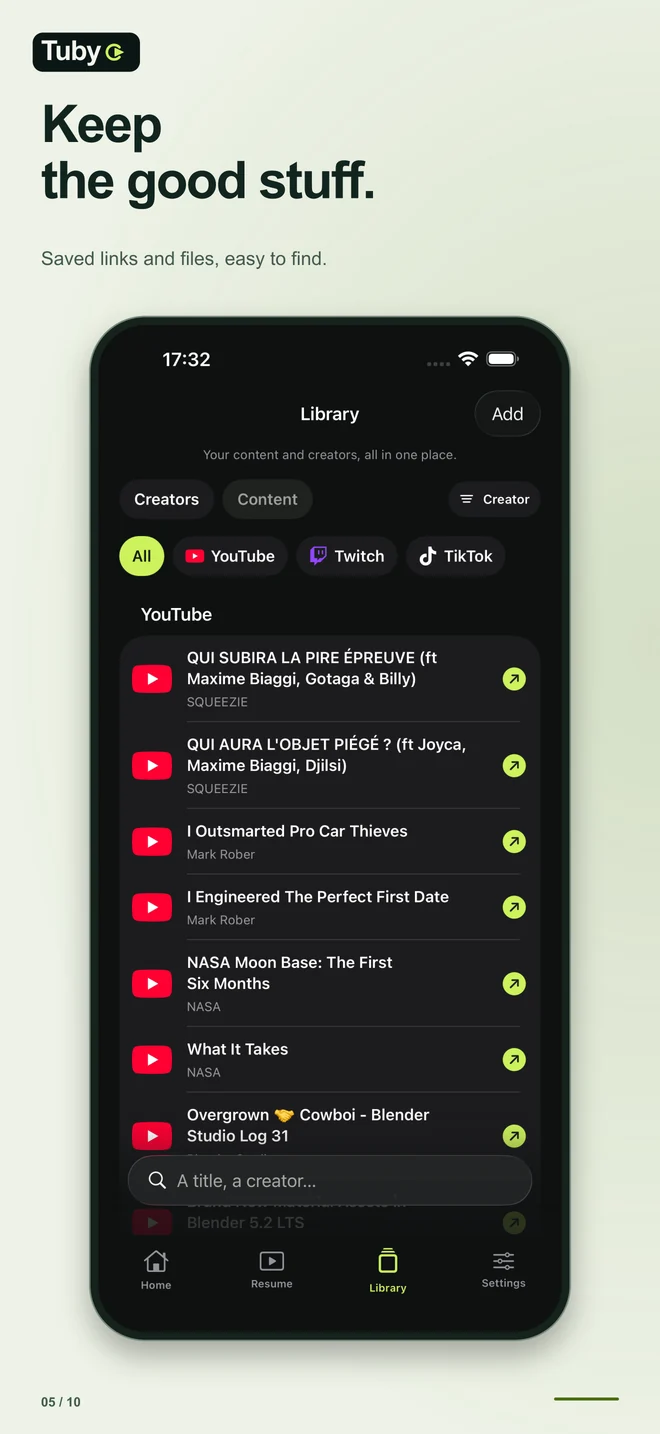
Save videos and creators, organize your content and spot new videos from supported saved YouTube channels when a reliable check is available.
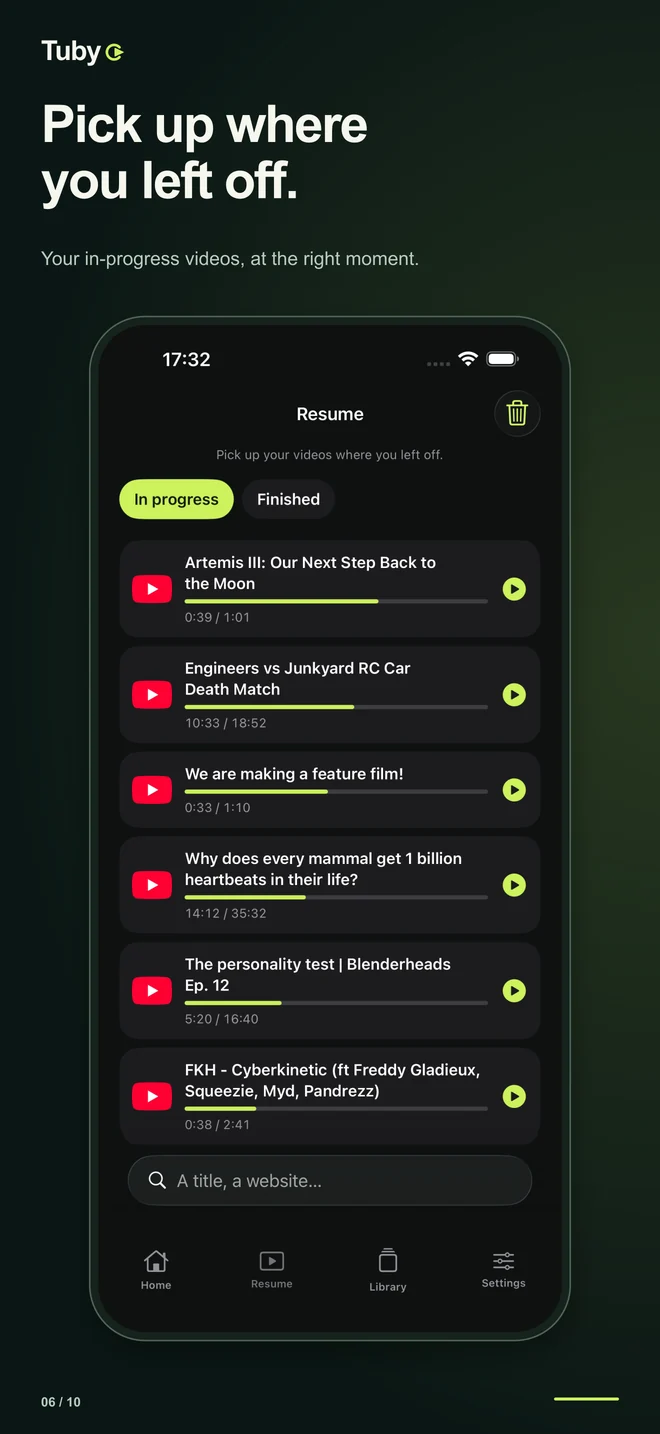
Return to the right moment in your videos. In-progress and finished videos each have their place.
Save a precise passage in a compatible video. Add an optional end marker or note, then resume at that point. No video clip is copied.
See an estimate by day, month or year, platform, site and creator. Your statistics stay on your device and can be cleared.
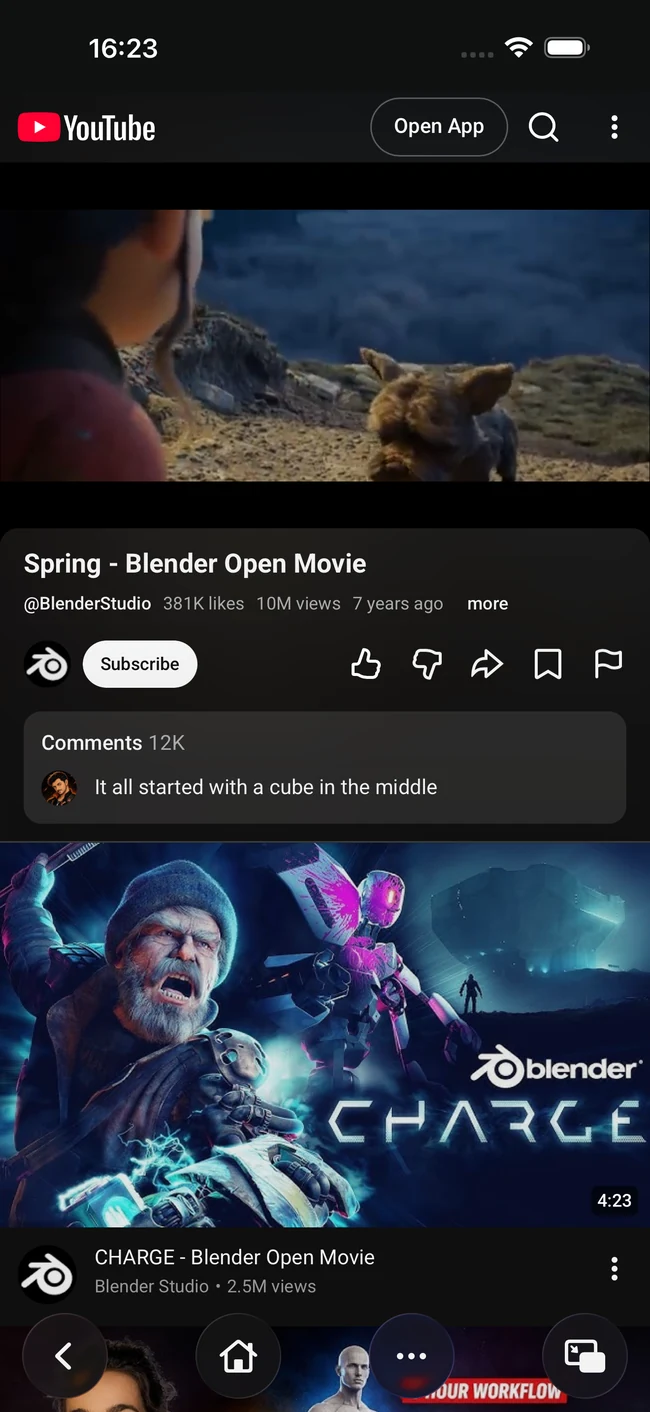
Start a video and leave the app: Picture in Picture keeps it playing in a floating window, and background audio continues for supported sources. You choose between the website player and the Apple player.
Tubyo filters compatible ads on the websites you open, including breaks inserted before a video starts. It does not block the ads YouTube, Twitch or TikTok insert inside their own players, and effectiveness varies by website and country.
Every feature is free: PiP, filtering, creator library, resume, Moments, Activity and child mode. Tubyo is available on Android through Google Play. The iPhone and iPad release is being prepared for the App Store.
IPHONE & IPAD
Explore Tubyo on iPhone and iPad. Screenshots follow your selected language.
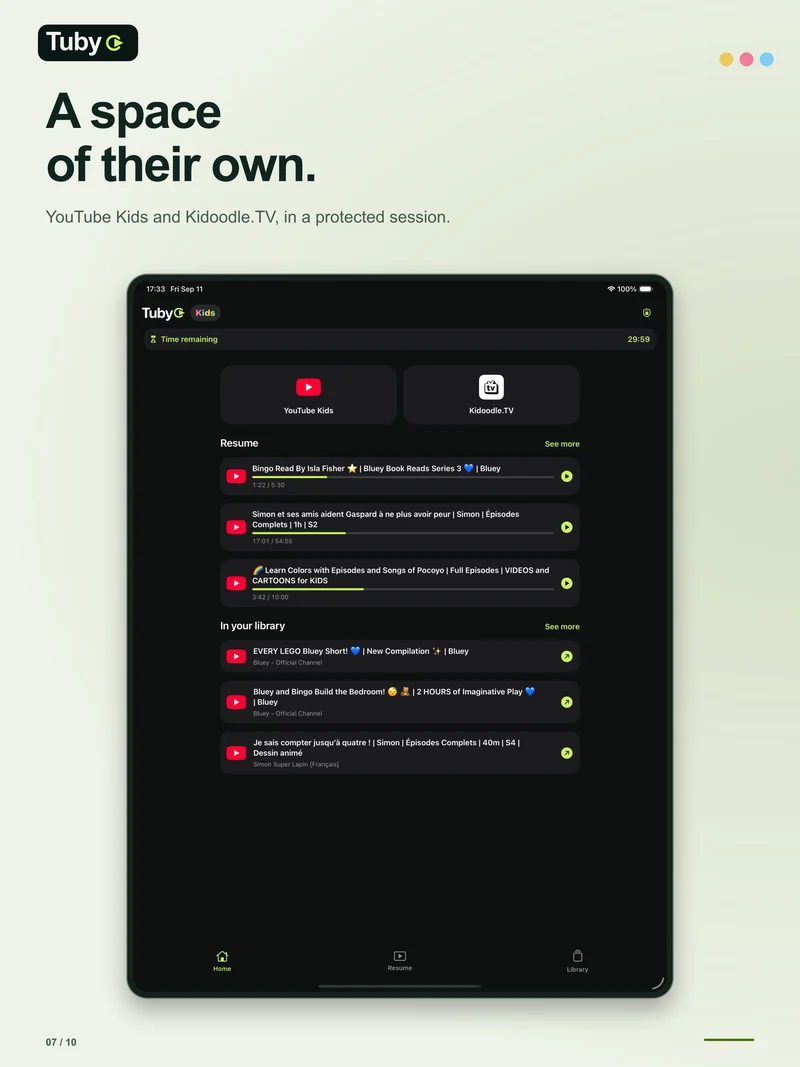
A SPACE FOR CHILDREN
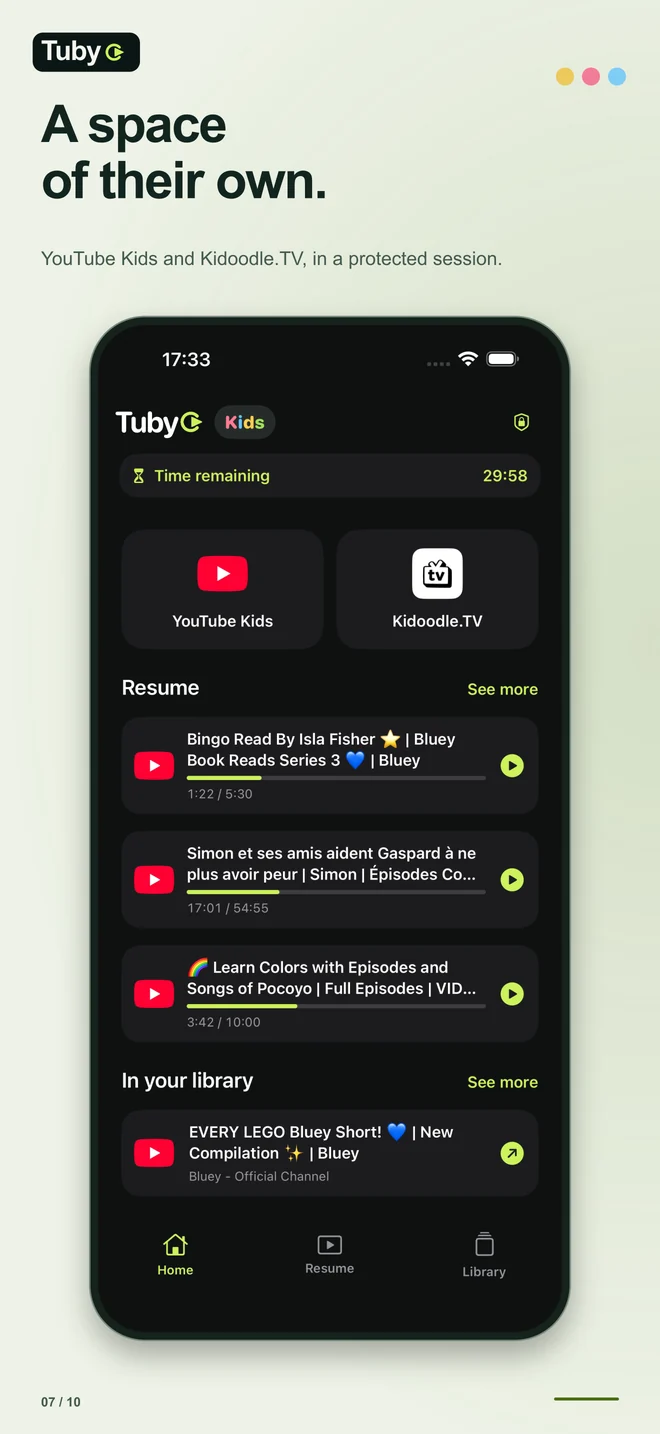
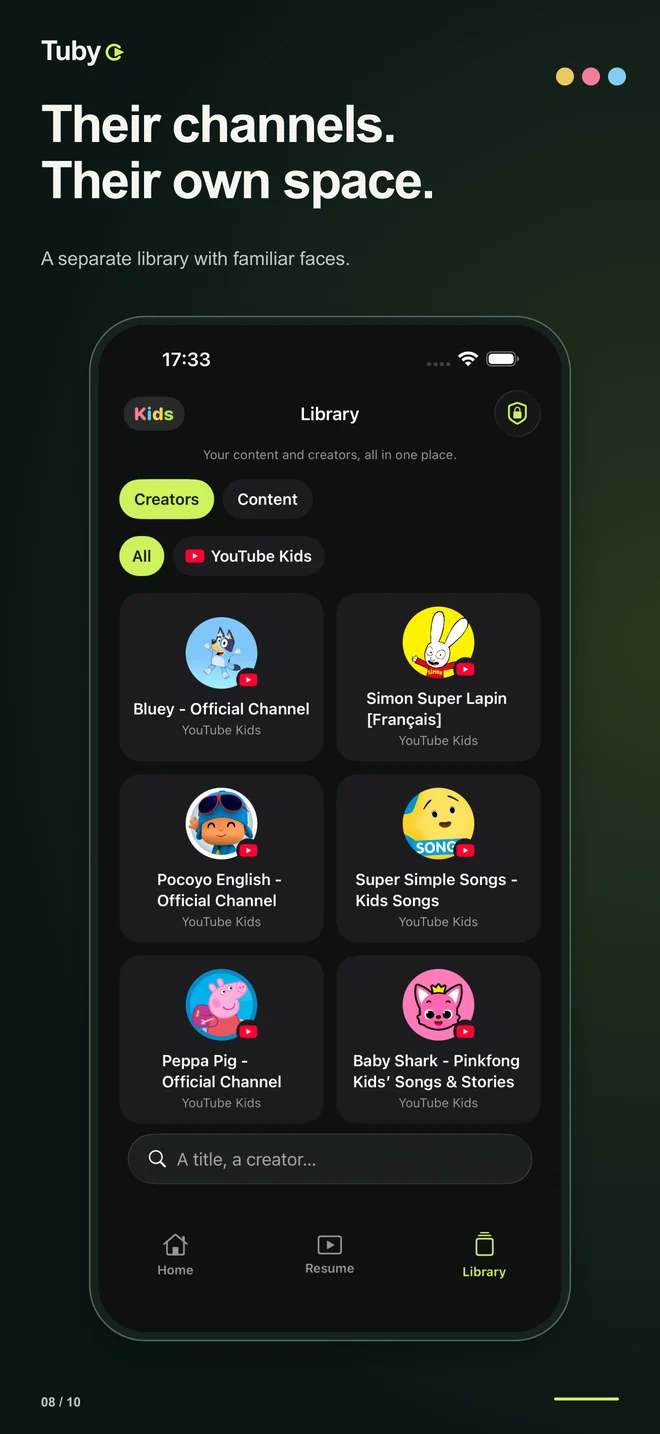
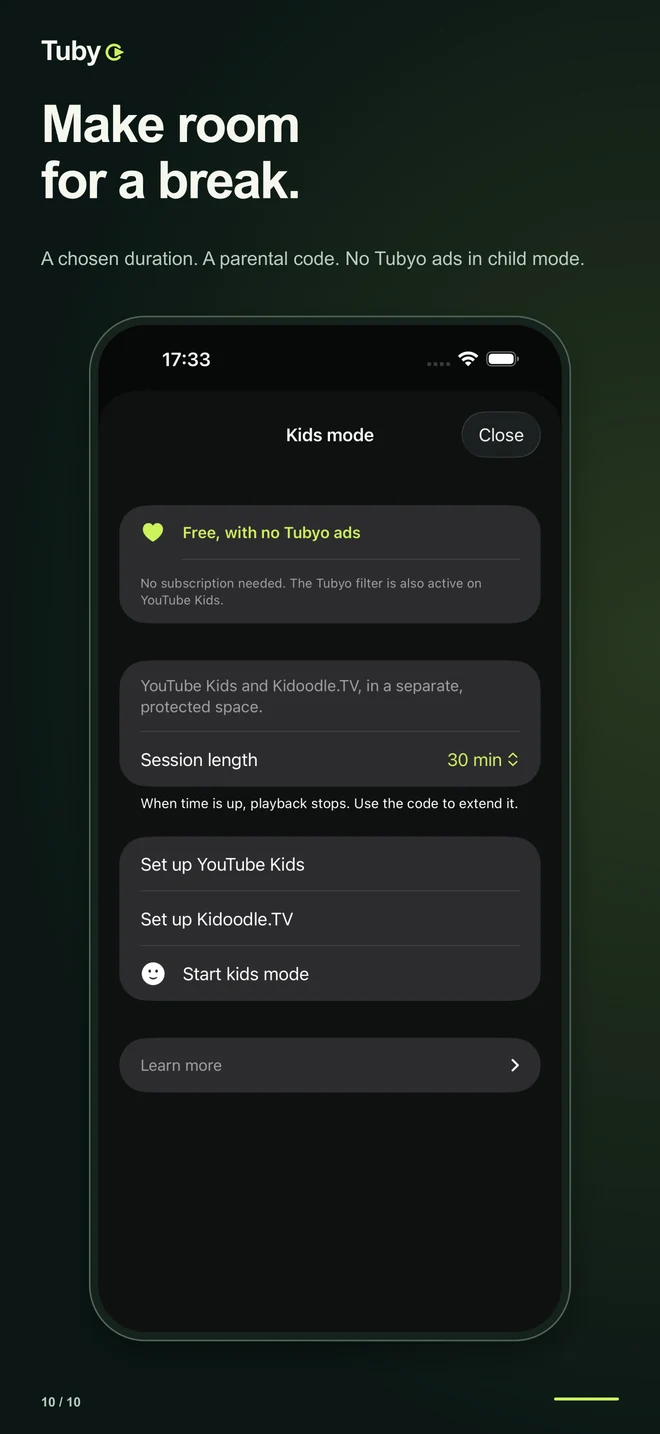
Switch to Kids mode from Home. YouTube Kids and Kidoodle.TV stay in a protected space with their own library and history, without Moments or Activity.
FREE MEANS FREE
PiP, library, creators, resume, Moments, Activity, ad filtering and Kids mode are all available without a subscription.
An ad may appear when you open a site, and a banner may appear in eligible tabs. Tubyo does not add interruptions during your videos. A subscription removes only Tubyo’s own ads; website filtering stays free.
No. Every feature is free. The optional subscription only removes ads displayed by Tubyo.
The website player keeps its available controls. You can also choose Tubyo’s native player for supported sources.
Yes, including its separate library, parental code and session limit. It never shows Tubyo ads, even without a subscription.
Tubyo is available on Android through Google Play. The iPhone and iPad release is being prepared for the App Store.
No. Tubyo filters compatible ads on the websites you open; it does not remove the ads platforms insert inside their own players. Every feature stays free and child mode never shows Tubyo ads.
Yes, on supported, up-to-date devices: the video keeps playing in a floating window while you use another app. The controls available depend on the website and the system.
Timestamped markers that return to a passage in a compatible video, with an optional end marker and note. Tubyo does not copy the video, and the end marker does not stop playback.
It estimates watching time in Tubyo by period, platform, site and creator. Data stays on your device; private browsing and Kids mode are excluded. You can turn tracking off or clear the statistics.
Practical guides
PiP keeps the video in a small floating window while you do something else on your phone. Tubyo starts it from the video sites you already use, with no complicated setup.
Tubyo includes free ad filtering for the websites you open. The goal is simple: give you the video, not the breaks before it starts.
From a page’s action sheet, Tubyo offers the native Chromecast picker. The TV receives the media link and connects to its source itself.
For music videos and supported sources, Tubyo keeps the audio running: lock your phone, switch apps or listen while walking.
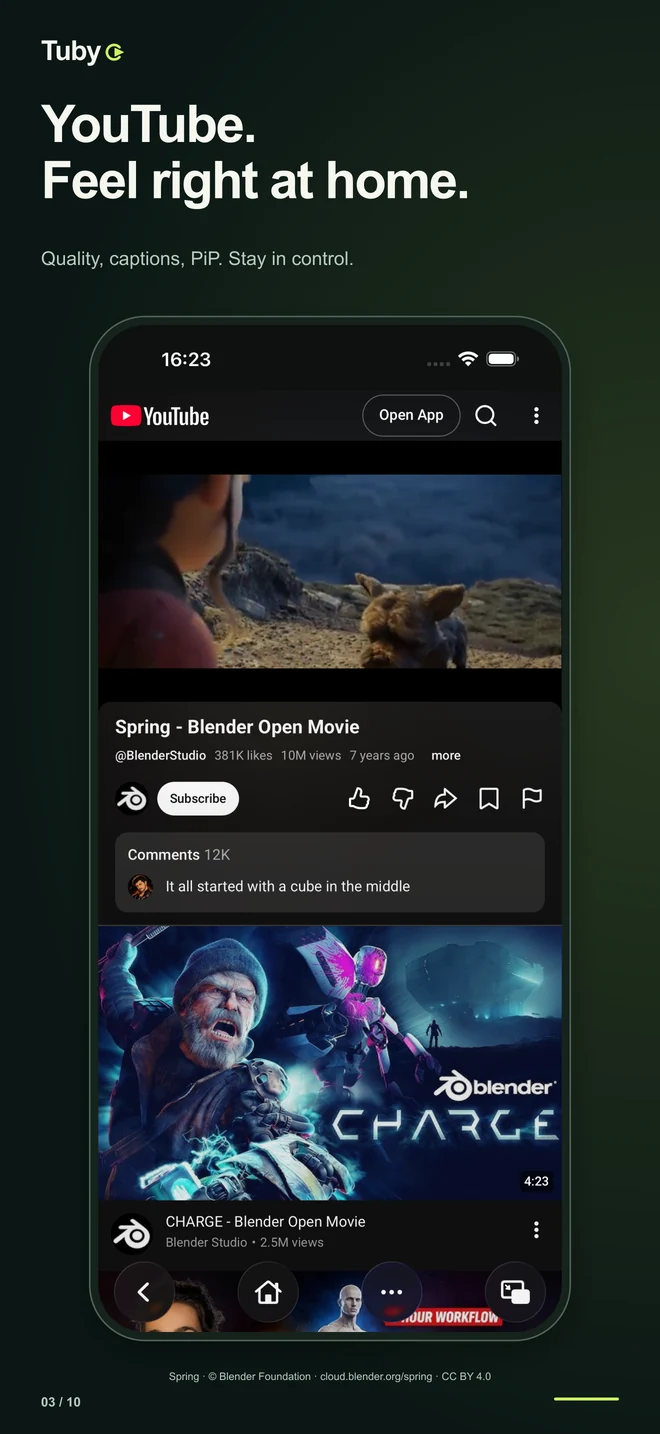
Tubyo's full screen uses the website's own controls to stay compatible: quality, subtitles and playback speed stay those your video site offers.
Tubyo opens Twitch and other live sites like any video site, with the extra video features: PiP, full screen, background audio and resume.
Tubyo’s child mode keeps children’s videos in their own space, with their own library and viewing history. You stay in control through the parental code.
Tubyo keeps your videos, creators, collections and resume list in a space of your own, with no account to create and nothing uploaded to a server.
From the page actions, Tubyo saves the current video or the page's creator. Everything lands in your library, on your device.
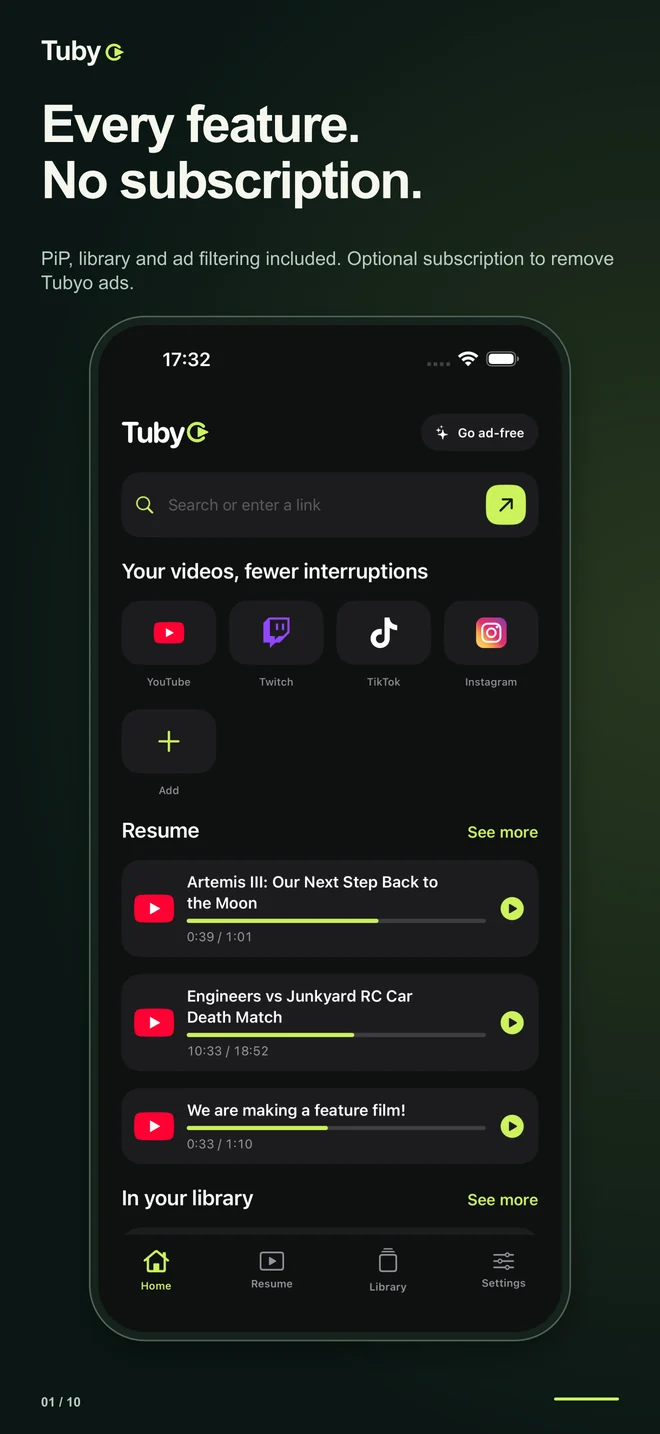
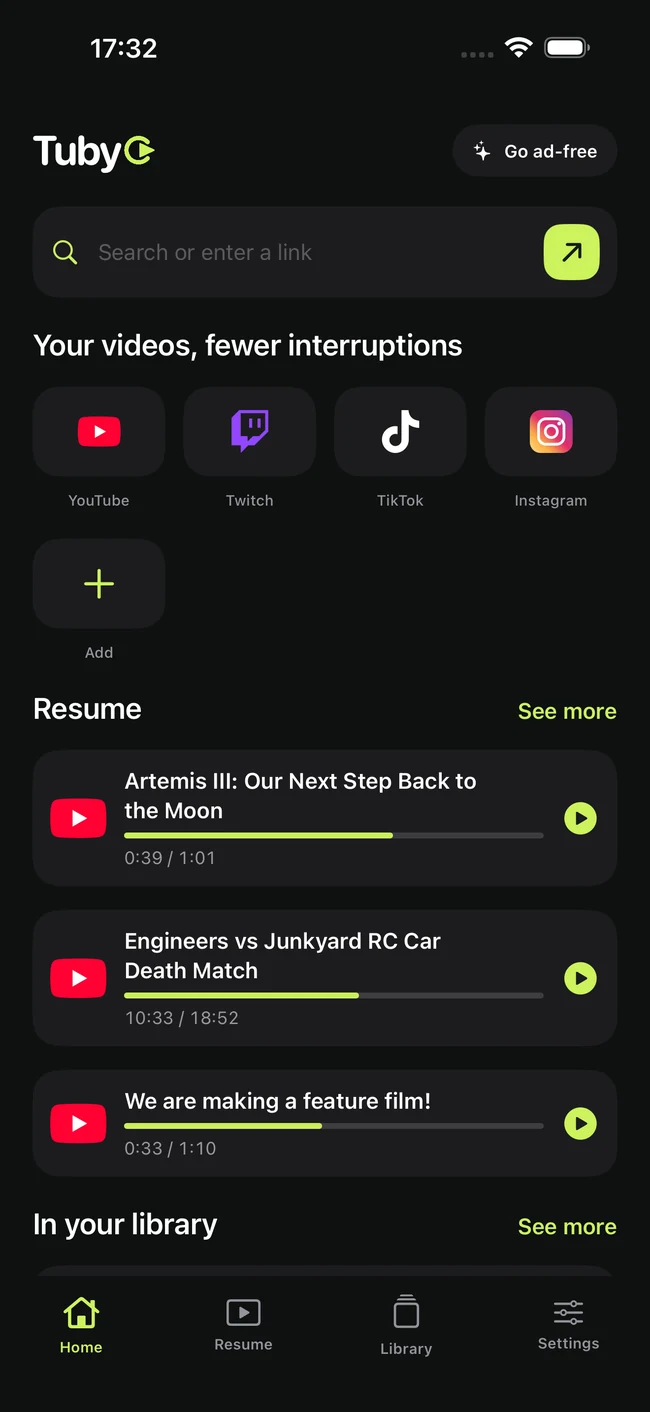
Tubyo's home gathers your video sites as shortcuts. You choose what appears, in which order, and you can add any other site.
Instead of an app per platform, Tubyo brings your video sites together in a browser built for video: shortcuts, tabs, a creator library and resume.
Tubyo asks for no account. Private browsing opens an isolated WebView profile with no shared cookies, and its history never joins your library.
Tubyo brings YouTube, YouTube Music, Twitch, TikTok, Instagram and your own sites into a single video space, free, on phone and tablet alike.
TUBYO
Coming soon to the App Store · Android · available on Google Play